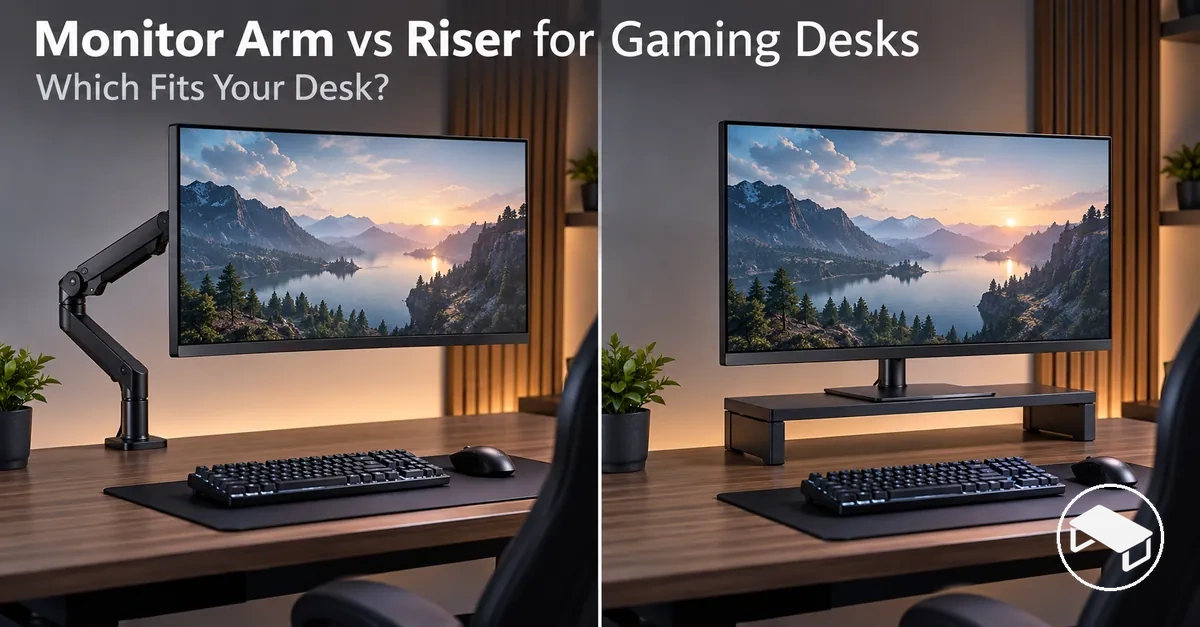
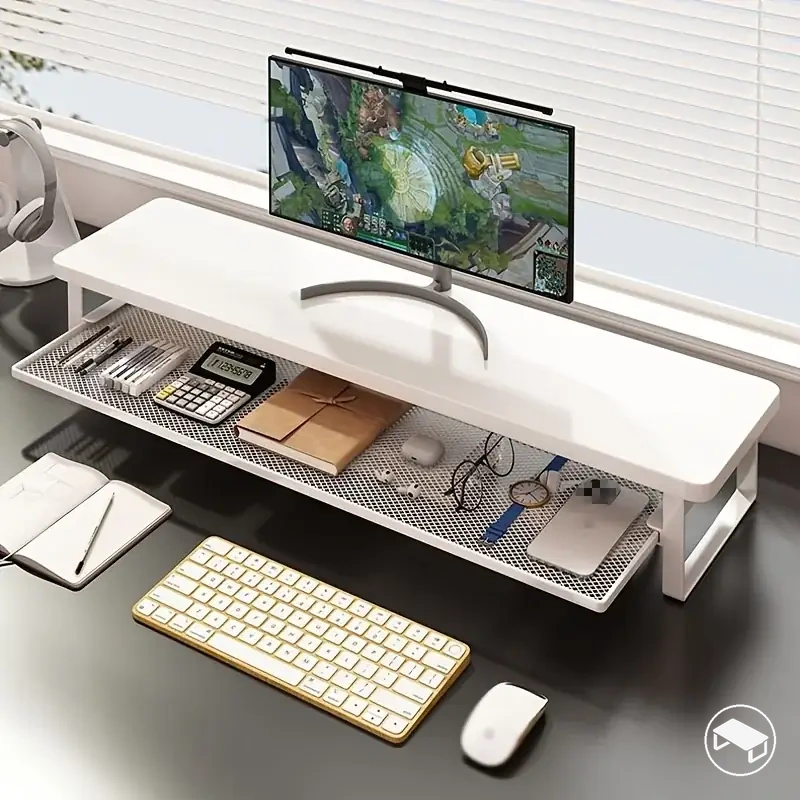
For a gaming desk, choose a monitor arm when frequent height, depth, tilt or swivel adjustment—or maximum open desk surface—matters and the desk, monitor and mount are compatible. Choose a monitor riser when fixed elevation, simple surface placement and lower installation effort matter more; physical compatibility is the first filter, because neither support type is universally better.
Gaming-desk decision guide
Which support fits your setup?
Start with fit, then choose the support whose useful capabilities match how the monitor and desk are actually used.
1. Physical fitCan the support safely fit the monitor and desk?
Monitor arm
Needs a compatible monitor mounting interface and load range, plus a desk-mount location that meets the arm’s clamp, grommet or other mounting requirements.
Monitor riser
Needs enough desktop area, a platform that fits the monitor’s stand or base, and a load rating suitable for the monitor.
2. RepositioningHow often must the screen move?
Leans arm
Frequent changes to height, viewing distance or screen direction make articulated adjustment more useful.
Leans riser
A mostly fixed screen position reduces the value of articulated movement.
3. Desk-space priorityOpen surface or a raised platform?
Leans arm
A concentrated mount can leave more direct desktop surface open beneath the monitor.
Leans riser
The platform keeps a desktop footprint but can create useful under-monitor clearance.
4. InstallationMounted setup or surface placement?
Leans arm
Best when the extra mounting steps are acceptable and the required desk access is available.
Leans riser
Best when simple desktop placement is preferred and its footprint fits the available surface.
5. Stability and valueJudge the complete configuration.
Configuration-dependent
Arm stability changes with mount rigidity, desk stiffness, monitor load and how far the arm is extended.
Configuration-dependent
Riser stability changes with its contact area, desktop stiffness, monitor load and the riser’s own construction.
Decision rule: exclude options that fail physical fit first; among the compatible choices, prioritise the movement, desk-space and setup characteristics you will actually use.
Table of Contents⌄
How Monitor Arms and Risers Support a Gaming Monitor
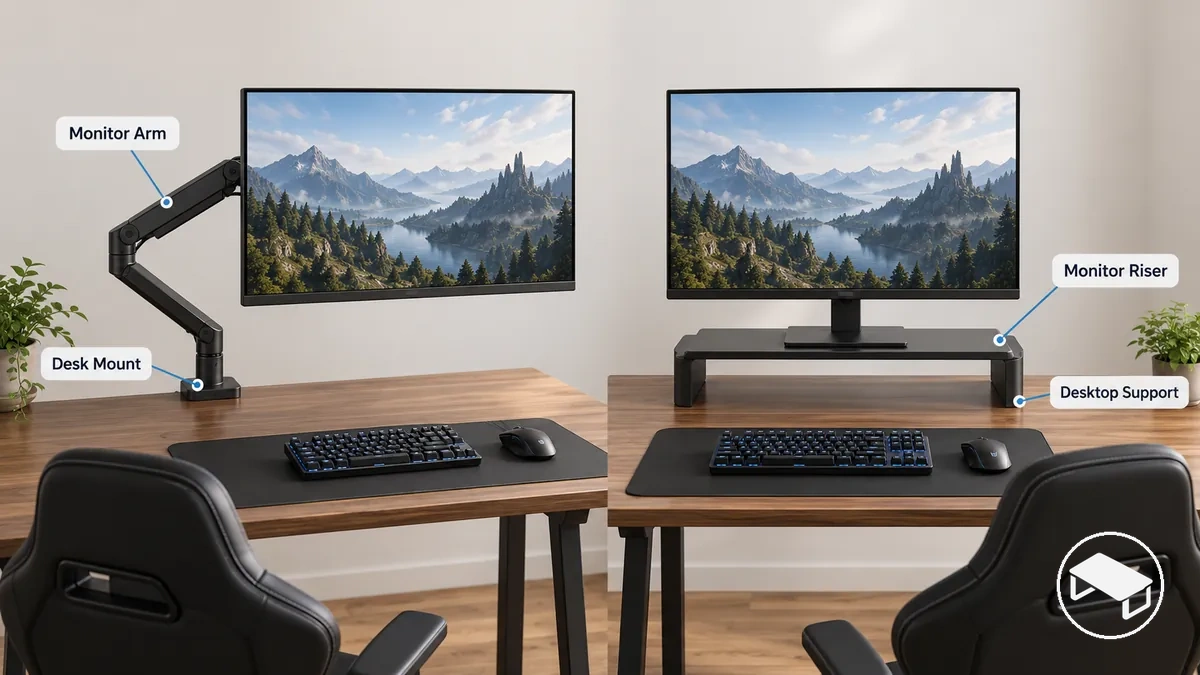
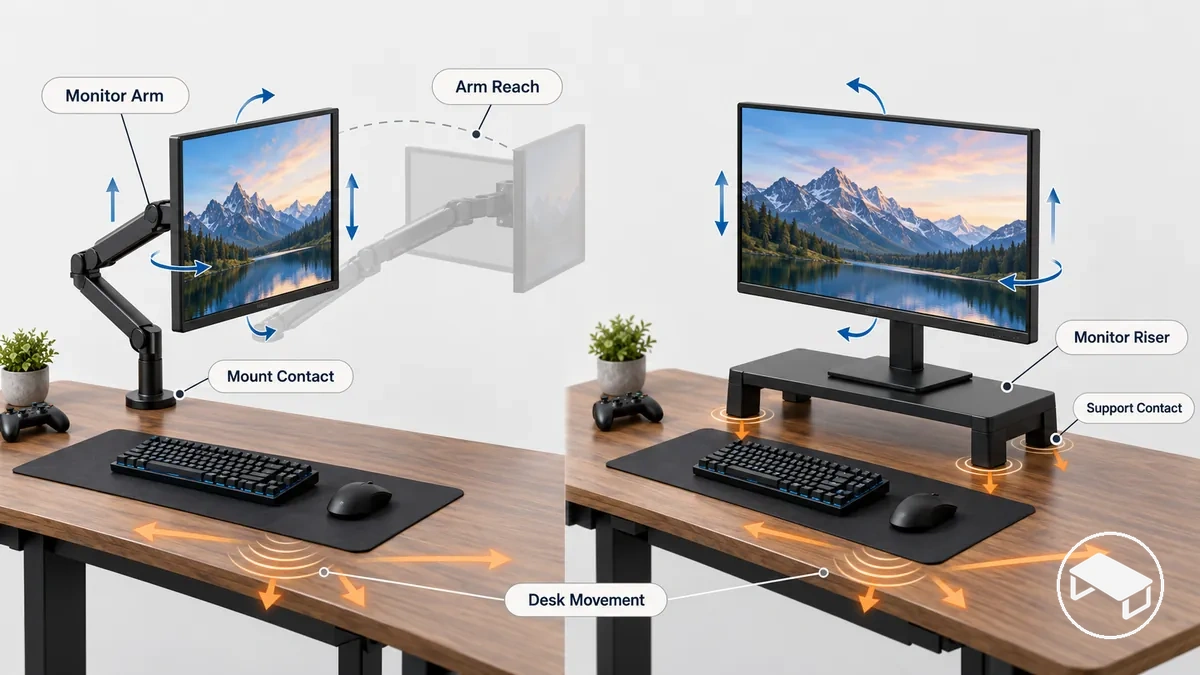
A monitor arm supports the display from a mechanism attached to the desk, while a monitor riser supports the monitor from a platform resting on the desktop. That support method changes how the screen can move, how the support uses desk space and what compatibility must be checked.
Monitor arm: mounted, repositionable support
Support path
Desk mount → arm mechanism → monitor.
Movement
Height, depth, tilt or swivel only where the specific arm provides those movements.
Desk contact
Concentrated at the clamp, grommet or other mounting point.
Compatibility
Monitor interface and load must match the arm; the desk must suit the chosen mounting method.
Monitor riser: surface-based elevation
Support path
Desktop → riser platform → monitor stand or base.
Movement
Usually a fixed or selected elevation; position changes generally require moving the monitor or riser.
Desk contact
The platform or its supports occupy part of the desktop surface.
Compatibility
The platform must fit the monitor base and support its load while fitting the available desktop area.
Product naming can overlap around the term “monitor stand”. In this comparison, monitor arm means a desk-mounted support, while monitor riser means a desktop platform that raises the screen.
Adjustment Range and Ergonomic Positioning
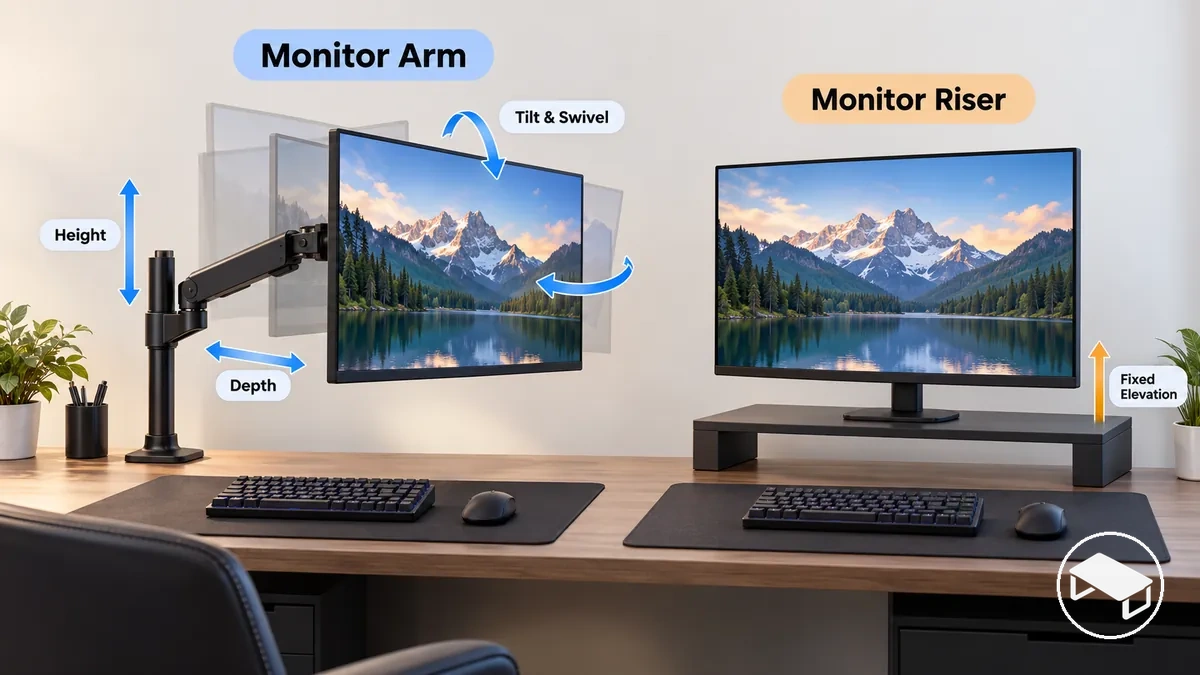
A monitor arm generally offers the broader adjustment range, while a monitor riser primarily provides a chosen elevation. The practical comparison is therefore how often you need to change height, viewing distance, tilt or swivel.
Adjustment range: monitor arm vs monitor riser
Adjustment dimension
Monitor arm
Monitor riser
Positioning effect
Height
Height adjustment is available within the movement range provided by the specific arm design.
Fixed height or a selected elevation determined by the riser configuration.
An arm supports repeated vertical repositioning within its available range; a riser keeps the monitor at its selected raised level until the support arrangement changes.
Depth or viewing distance
Articulated movement can change monitor depth within the movement range provided by the arm.
Viewing distance changes require the monitor or riser to be repositioned on the desk when the riser itself provides no articulated depth adjustment.
An arm provides direct depth positioning when viewing distance changes frequently; a riser suits a more fixed depth position.
Tilt or swivel
Tilt and swivel are available when those movements are built into the specific arm.
Tilt or swivel is limited to movement provided by the monitor's own support or the particular riser configuration.
An arm with these movements provides more directional positioning freedom; a riser does not itself provide articulated tilt or swivel unless its design specifically includes it.
Repositioning frequency
Articulated height, depth, tilt, or swivel movement supports setups where the monitor position changes frequently.
A more fixed elevation suits setups where the monitor position changes infrequently.
Frequent setup changes increase the practical value of a broader range of motion, while mostly fixed positioning reduces the need for repeated adjustment.
If the monitor position changes frequently, an arm’s articulated range can be useful because the screen can move without shifting the whole support across the desk. If the screen normally stays at one height and depth, a riser can provide the required elevation without paying for movement you may not use.
Desk Space and Storage with an Arm vs Riser
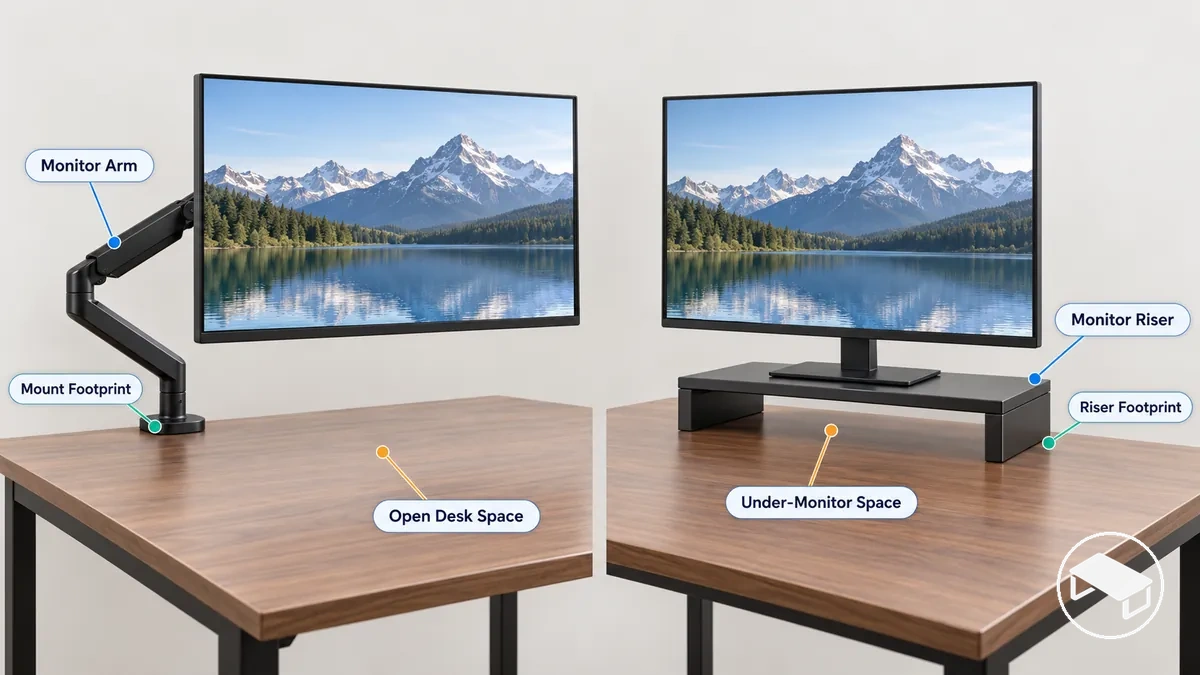
For desk-space use, the central trade-off is open desktop surface versus a raised platform. A monitor arm can clear the area beneath the screen, while a riser keeps a footprint on the desktop but may create usable space below its platform.
Direct desktop footprint: A monitor arm concentrates desk contact at its mounting area, leaving the surface beneath the supported monitor open, while a monitor riser occupies the desktop area covered by its platform or supports.
Rear or edge clearance: An arm requires suitable clearance around its mounting point, so the desk edge, rear area, and nearby obstructions affect where the mount can sit; a riser instead requires enough clear desktop area for its surface footprint.
Under-monitor space: An arm leaves open space beneath the supported monitor, while a raised riser can create usable space below its platform. Drawers, compartments, and other dedicated storage are available only when the particular riser design includes them.
Placement flexibility: An arm can change the monitor position while retaining its mounting point, subject to its movement range and surrounding clearance; changing a riser's position normally changes where its footprint sits on the desktop.
Choose the arm when maximising open desk surface is the priority and a suitable mount is available. Choose the riser when its footprint is acceptable and the under-monitor clearance or raised tier is useful; built-in drawers or compartments are design-specific, not inherent to every riser.
Stability and Monitor Movement During Gaming
Neither support type is automatically more stable. Visible monitor movement depends on the complete support–monitor–desk configuration, including contact rigidity, desk stiffness, monitor load and the arm’s adjustment state.
Desk vibration can travel through either arrangement: a riser transfers it through its base or feet, while an arm transfers it through the desk mount and arm structure.
Support contact: A monitor riser transfers load and movement through its base or contact points on the desktop, while a monitor arm concentrates support at its desk-mount connection; the resulting screen movement is therefore linked to the rigidity of those contact conditions and the desk beneath them.
Mount rigidity: A firmer arm-to-desk connection allows less movement at the mounting interface, while movement at that connection can transfer through the arm toward the monitor.
Arm extension: Greater extension increases leverage on the mounting point and changes the support geometry, so mount rigidity and desk stiffness matter more as the screen moves farther from the mount.
Monitor weight: Monitor weight acts through the support and its adjustment state, so movement should be judged with the specific monitor and support configuration rather than from support category alone.
Desk stiffness and movement: A desk that flexes or moves during typing or gaming activity can transfer vibration into either a mounted arm or a surface-supported riser, making monitor movement possible with both arrangements.
Judge stability with the monitor installed in the position you actually use. A firmly mounted, less-extended arm can behave differently from the same arm at greater extension, just as a riser can behave differently on a stiff desk than on a flexible one.
Installation Effort and Basic Desk Requirements
A monitor riser usually has lower installation effort because it rests on the desktop. A monitor arm requires a suitable mounting method, enough access and clearance at the desk, and a monitor that matches the arm’s mounting and load requirements.
For an arm, screen size alone is not a compatibility test: the monitor’s mounting interface and actual weight must fit the arm specification, while the desk must fit the clamp, grommet or other attachment method. For a riser, the desktop must have enough clear area and the platform must fit the monitor’s stand or base and support its load.
Support placement or mount type: A monitor riser needs suitable surface placement on the desktop; a monitor arm needs the mounting condition specified for its clamp, grommet, or other desk-mount method.
Desk-edge access: A clamp-mounted arm needs an accessible mounting area at the desk edge, so an obstructed or unsuitable edge can prevent that mounting method from fitting.
Desk thickness or clearance: Desk thickness and available clearance must fall within the limits specified for the particular desk mount; no single thickness or clearance value should be assumed across monitor arms.
Monitor mounting compatibility: The monitor's mounting interface must match the interface supported by the particular monitor arm for that mounting method to be suitable.
Monitor weight or load suitability: Monitor weight must remain within the load limits specified for the particular arm and configuration rather than being inferred from screen size alone.
Riser platform fit: The platform must be wide and deep enough for the monitor’s stand or base, fit the available desktop area, and have a load rating suitable for the monitor.
Unusual edges or obstructions: Thick profiles, unusual desk edges, nearby structures, or limited underside clearance can determine whether a clamp, grommet, or other desk mount has suitable mounting conditions.
If any required mounting condition fails, do not assume a particular monitor arm will fit simply because another arm would. Likewise, a riser is only practical when its footprint and platform fit the monitor and the available desk surface.
Upfront Cost and Long-Term Value
A monitor riser can be the lower-entry-cost option when fixed elevation is enough, while a monitor arm can justify a higher upfront spend when its additional movement or desk-space benefit is used regularly. Actual value comes from useful capability, not support type or price alone.
Current prices vary by product and marketplace listing, so compare the specific options being considered rather than assuming a fixed price gap between all arms and all risers.
Cost and value factors: monitor arm vs monitor riser
Cost-value factor
Monitor arm
Monitor riser
Value decision
Purchase cost
Can involve a higher upfront spend when the design includes articulated positioning and mounting hardware.
Can provide a lower-entry-cost route when simple surface-supported elevation is sufficient.
Compare the actual products being considered because current price varies by design and feature level.
Adjustability
Greater practical value when height, depth, tilt, swivel, or repositioning capabilities are used frequently.
Practical value comes from simpler elevation when a mostly fixed setup does not need articulated adjustment.
Paying for additional adjustability is more useful when the setup uses that capability regularly.
Desk space
A concentrated desk mount can justify added cost when freeing direct desktop area is important to the setup.
A surface-supported platform retains a desktop footprint but can provide usable under-monitor space.
The useful capability is the space arrangement that matches the desk constraints.
Installation burden
Mounting requirements can add setup effort compared with simple surface placement.
Surface placement can keep setup simpler, subject to any assembly required by the particular design.
Extra installation burden is justified only when the resulting capabilities serve the intended setup.
Reuse
Reuse value is conditional on the arm remaining compatible with a future monitor and desk configuration.
Reuse value is conditional on the riser's footprint, elevation, and load suitability continuing to match future setup needs.
Likely reuse adds value when the support remains suitable for a later configuration.
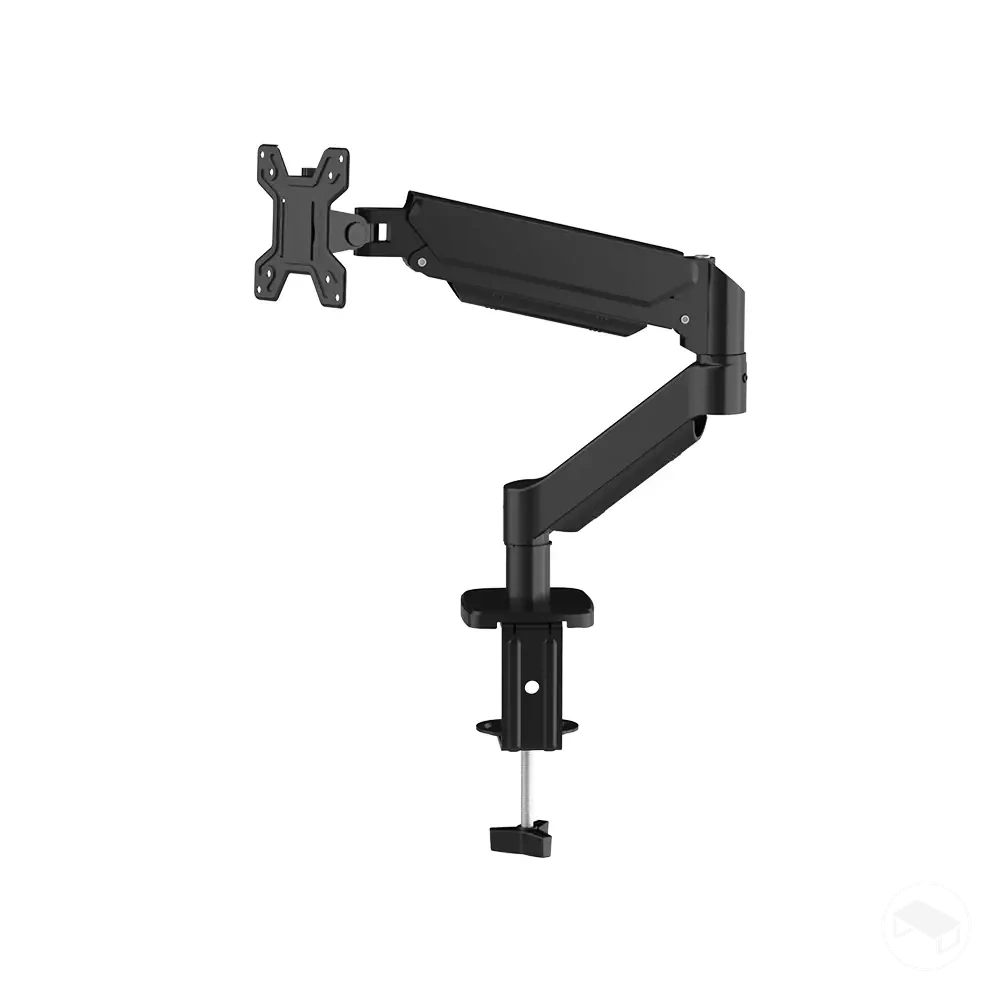
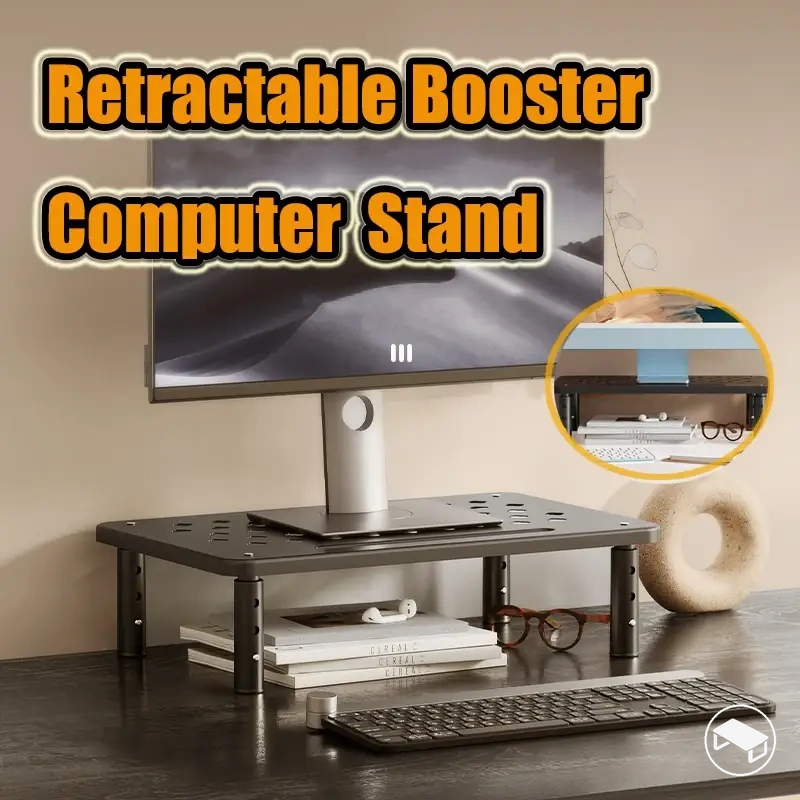
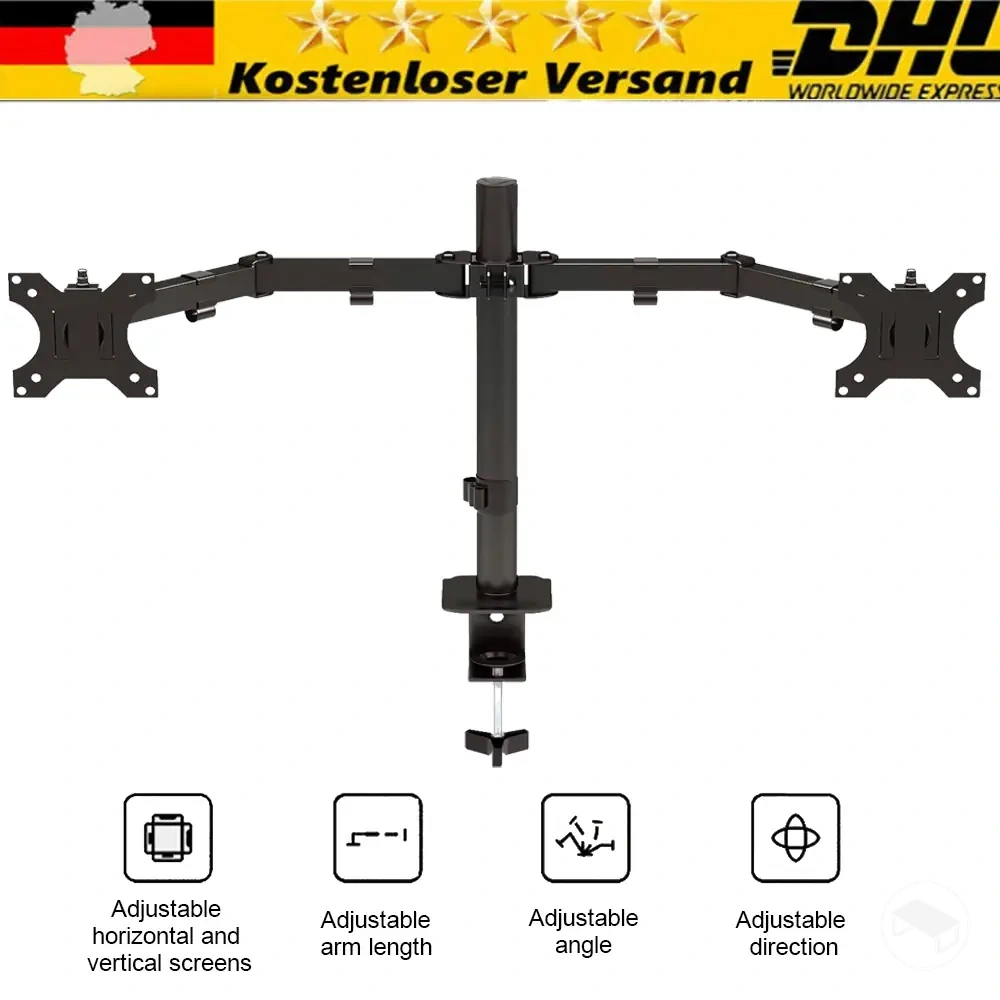
The product examples below are comparison aids, not a claim that one listing is universally best. Before following an affiliate link, verify the current listing’s dimensions, load rating, mounting interface or desk-mount requirements, and price against your own setup.
The better fit is the support that passes the physical compatibility checks and then matches the setup’s dominant priorities for adjustment, desk space, stability, installation effort and budget.
Adjustment needs: Frequent repositioning tends to favour a monitor arm; mostly fixed elevation reduces the need for articulated movement and can favour a monitor riser.
Desk space: Prioritising open surface beneath the monitor tends to favour an arm, while accepting a riser footprint can favour a riser when its under-monitor space is useful.
Stability: Treat stability as a setup condition rather than a category winner; support contact, desk stiffness, monitor weight, and arm position determine which configuration better matches the stability preference.
Installation constraints: A monitor arm requires suitable mounting conditions and desk access, while a monitor riser requires sufficient desktop space for surface placement.
Budget: A simpler riser can suit a budget-sensitive fixed setup, while additional spend on an arm is easier to justify when its flexibility and desk-space benefits will be used.
Use compatibility as the gate. If the desk or monitor cannot meet a particular arm’s mounting requirements, exclude that arm; if a riser cannot fit the available desktop area or monitor base, exclude that riser. Then compare adjustment, space, stability and budget only among the options that remain.
When a Monitor Arm Is the Better Fit
A monitor arm tends to be the better fit when frequent repositioning, height or depth adjustment, or reclaiming desktop surface is a priority and the gaming desk and monitor meet the arm’s mounting requirements.
The extra adjustment has less practical value when the monitor stays in one position and desk-space clearance is not important. In that case, choose an arm only if its other characteristics still justify the added mounting effort and cost.
When a Monitor Riser Is the Better Fit
A monitor riser tends to be the better fit when simple surface placement, fixed elevation and lower setup effort match the desk, or when clamp mounting is undesirable or impractical.
A riser can also create useful under-monitor clearance when its design leaves accessible space beneath the platform. Its main limitation is reduced repositioning freedom: when the screen must move often, changing position usually means moving the monitor or the riser itself.